Bookmark Graveyard: Why You Never Revisit What You Save
Stuck with a bookmark graveyard of saved links you never revisit? Here's why it happens and how to actually use what you save, not just store it.
By Sara Miller
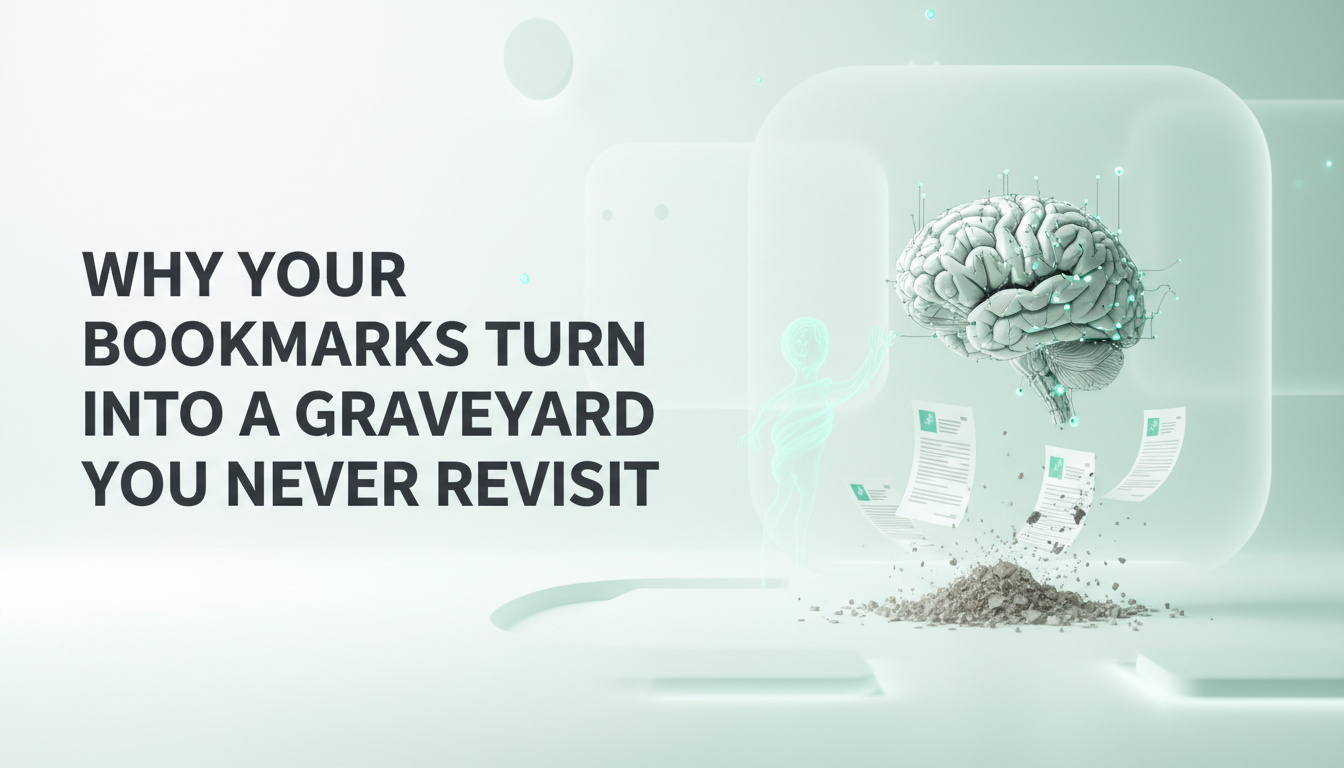
Open your browser's bookmarks bar right now. How many of those links have you actually opened again? For most people, the honest answer is close to none; just a scrollable wall of tab titles, half of them cut off, none of them doing anything except sitting there.
This isn't a discipline problem. It's a structural one. Bookmarking tools were built to save things, not to help you use them again; and that one gap is why your bookmarks folder has quietly turned into a bookmark graveyard.
Why Saving Isn't the Same as Keeping
A bookmark graveyard is what happens when saved links pile up faster than you ever revisit them. It's not a personal failing; it's the predictable result of a tool that treats saving as the finish line, when saving is actually just the starting point.
Think about what a bookmark actually is: a link, a title, maybe a favicon. That's it. It doesn't tell you:
Why you saved it
What you were thinking when you found it
How it connects to anything else you've read, written, or are working on
Without that context, a bookmark from six months ago is almost indistinguishable from noise. You recognize the title, maybe. You don't remember the reason.
Why You Never Go Back and Read What You Saved
It Was Never About Memory in the First Place
Here's the part most people get wrong: bookmarking an article, a website, or a study doesn't actually help you remember it better. The act of clicking save gives you a small hit of relief; the anxiety of I might lose this disappears. Moreover, the relief has nothing to do with whether the information sticks, or whether you'll ever need it in a form you can find again.
The idea of bookmarking ties into a well-known idea in psychology called the Zeigarnik effect. It was first described by Soviet psychologist Bluma Zeigarnik in 1927, after she noticed that waiters could remember unpaid orders in detail but forgot them the moment the bill was settled. The original finding was that unfinished tasks tend to occupy more mental space than completed ones.
The 2025 Meta-Analysis
It's worth being precise here: more recent research, including a 2025 meta-analysis published in Humanities and Social Sciences Communications, has struggled to replicate the original memory-advantage effect, and suggests the picture is more complicated than the popular version.
What does hold up is simpler and just as relevant: an unresolved I'll deal with this later creates a nagging sense of unfinished business, whether or not it makes you remember the content better. That's the tension a bookmarks bar is full of. Hundreds of tiny, unresolved laters, doing nothing.
Bookmarks Have No Sense of Time or Priority
A second, more practical problem: every bookmark looks exactly the same. The article you saved for a deadline this week sits next to the recipe you saved eight months ago, in the same flat list, with no indication of which one actually matters right now.
There's no:
Ranking by relevance or urgency
Grouping by topic or project
Connection to the other things you're already working on
So the list just grows. And a growing list with no structure is, by definition, something you'll eventually stop opening.
What Actually Happens When You "Save It for Later"
Later rarely arrives on its own. Saving something doesn't create a moment where you'll naturally circle back; it just defers the decision about whether the content was worth reading in the first place. Most saved links fall into one of three outcomes:
Forgotten entirely: buried under newer saves, never surfaced again
Rediscovered by accident: found months later while looking for something else, at which point the original context is gone
Re-searched from scratch: you give up trying to find the saved version and just Google it again, which defeats the entire purpose of saving it
None of these outcomes is that the information became part of what you know. That's the real cost of the bookmark graveyard: not clutter, but knowledge that never actually became useful.
How to Turn Saved Links Into Knowledge You Actually Use
The fix isn't a better bookmarks folder. Folders and tags just rebuild the same flat-list problem with extra steps. The fix is capturing what you save with the context that made it worth saving, so future-you doesn't have to reconstruct why past-you cared.
Stop Bookmarking, Start Capturing
This is the specific gap that a connected knowledge tool solves. Instead of a link sitting alone in a list, capturing an article, a PDF, a voice note, or an idea directly into a real knowledge base, as an actual note, not just a URL, means there's always something to read, search, and build on later, not just a title to stare at.
vivlo AI knowledge companion is built around exactly this: turning what you save into something connected, not just something stored.
Let Connections Form on their Own
The deeper fix is connection. A saved link that's related to three other things you've written should show you that relationship, not wait for you to remember and manually go dig for it.
That's the real difference between a bookmarks bar and an actual knowledge base: automatic linking between related notes, and search that works from what you remember about a topic rather than the exact words you'd need to type.
When something you capture relates to an existing note, it gets connected without you lifting a finger; instead of a graveyard of disconnected saves, you get a living, searchable map of everything you've captured.
That's what vivlo AI knowledge companion does with everything you save; one just defers the problem, the other resolves it the moment you capture something.
Frequently asked questions
Will organizing my bookmarks into folders fix the problem?
Folders help a little, but they still require you to remember which folder something is in and to manually maintain the structure. Automatic linking and semantic search solve the underlying problem: being able to find something without remembering exactly where you put it.
What's the difference between bookmarking and a connected knowledge tool?
A bookmark is just a saved link. Capturing the same thing in a tool built for knowledge, not just storage, keeps the actual content alongside automatic connections to your other notes, so it becomes part of a searchable, connected base instead of an isolated entry in a growing list.
Why do I never look at the bookmarks I save again?
Because a bookmark only saves a link, not the context of why it mattered; without that context, nothing is pulling you back to revisit it, and there's no way to connect it to what you're currently working on. This is the core mechanic behind the bookmark graveyard effect.